Turn a PNG or JPG into a machine embroidery file
Upload a logo, pick your hoop, swap thread colors, watch it sew out, and download PES, DST, JEF, EXP, VP3 and XXX together. First design free, then $4.99. No account, no subscription.
- Free stitch preview
- 6 machine formats per design
- Image stays in your browser
- No sign-up, no subscription
 Upload an imagePNG, JPG, SVG · drop, click or paste
In short
HoopFile is a browser auto-digitizer: it turns a PNG or JPG logo into fill stitches with underlay and writes machine embroidery files for Brother (PES), Tajima (DST), Janome (JEF), Melco and Bernina (EXP), Husqvarna Viking and Pfaff (VP3) and Singer (XXX). The preview is free and unlimited, the first download is free, and each further design is $4.99 with all six formats, or $19 for ten.
How it works
- Upload your image
PNG, JPG or WebP. Logos, text and flat artwork stitch best. Nothing is uploaded: digitizing runs in your browser.
- Set size, colors and density
Pick your hoop (4×4, 5×7, 6×10…), the number of thread colors and the fill direction. The stitch preview updates as you go.
- Check the sew-out, then download
Play the sew-out, check stitch count and jumps, then download PES, DST, JEF, EXP, VP3 or XXX. First design free.
Real outputs
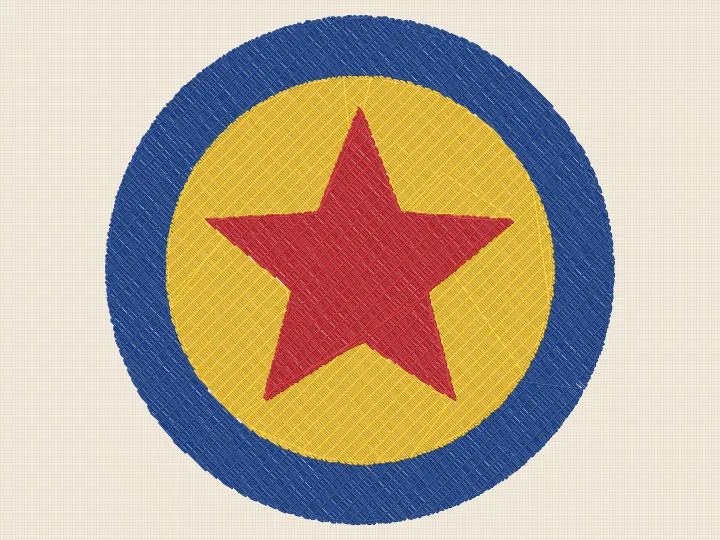
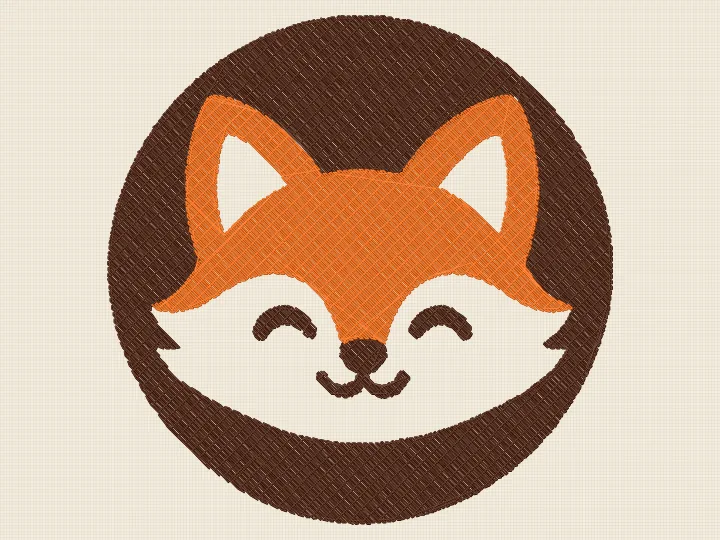
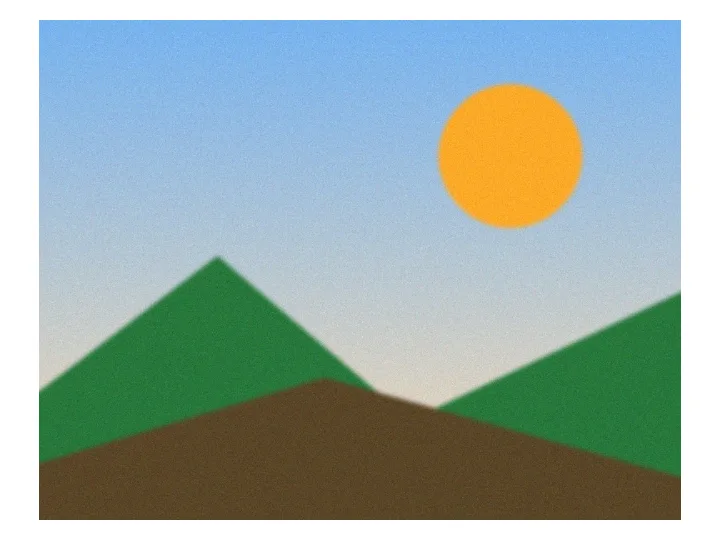
Drag across each sample: the original image, then the stitch file HoopFile wrote for it, rendered from the PES. Default settings, nothing retouched.
 OriginalStitched
 OriginalStitched

 OriginalStitched
 OriginalStitched
 OriginalStitched
 OriginalStitched
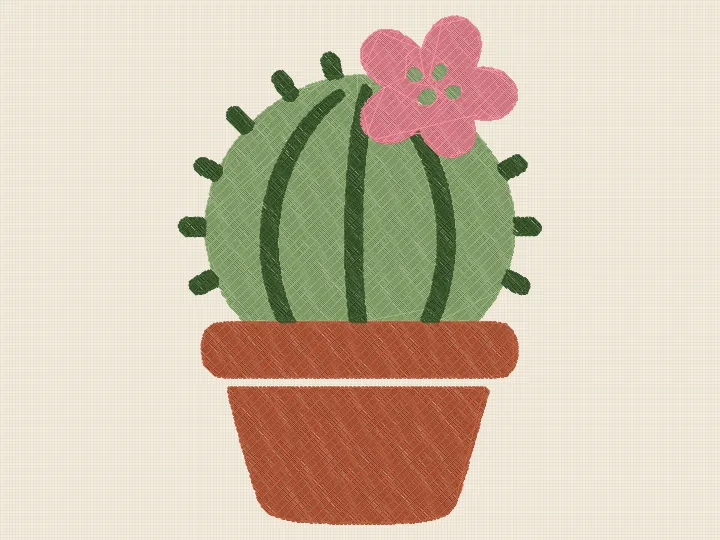
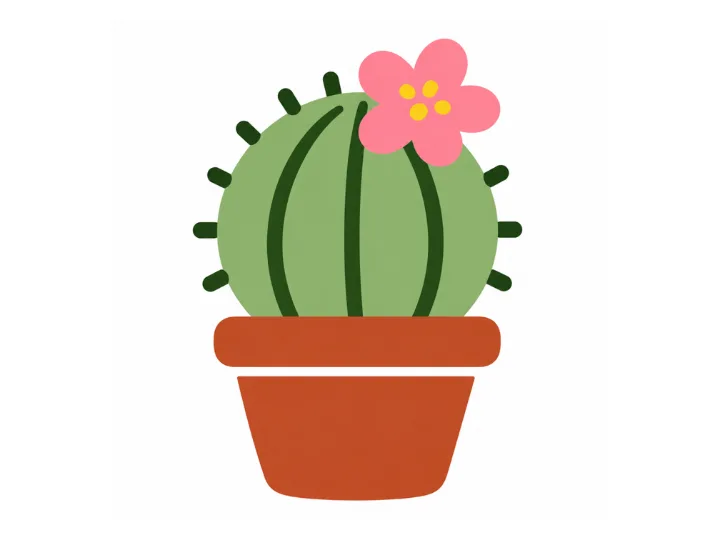 OriginalStitched
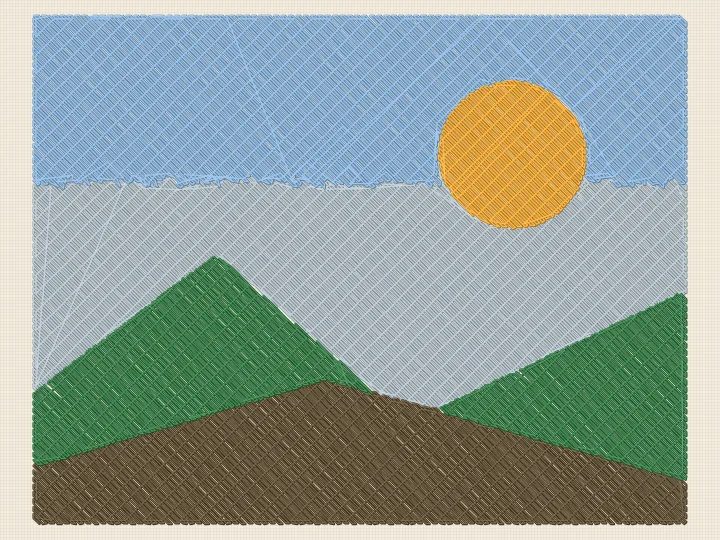
 OriginalStitched
Pick your machine format
Brother / Baby Lock PES
Brother, Baby Lock, Bernette (b70/b79), Deco
.dstTajima DST
Tajima, Ricoma, SWF, Happy, Barudan, Brother PR, most commercial machines
.jefJanome JEF
Janome, Elna, some Kenmore
.expMelco / Bernina EXP
Bernina, Melco, Bernette
.vp3Husqvarna Viking / Pfaff VP3
Husqvarna Viking, Pfaff, Singer (newer)
.xxxSinger XXX
Singer, Compucon
Popular: PNG to PES · JPG to PES · PNG to DST · JPG to DST
HoopFile vs other image to embroidery converters
| HoopFile | embroider.app | SewFlow | EmbroidAI | |
|---|---|---|---|---|
| Download your first file with no account | Yes | Paid download | Account needed | Not stated |
| Formats | PES, DST, JEF, EXP, VP3, XXX, all in one ZIP | DST, PES | JEF, PES, DST, EXP, XXX, SEW | DST, PES, EXP, JEF, VP3, XXX, HUS |
| Image digitized on your device, never uploaded | Yes | Not stated | Not stated | Not stated |
| Swap any thread color before export | Yes | Not shown | Yes | Not shown |
| Preview on white, black, denim or heather fabric | Yes | Not shown | Not shown | Not shown |
| Sew-out playback with jumps and sew time | Yes | Stats only | Yes | Not shown |
| Pricing | First design free, then $4.99 per design. No subscription | $4.99 per design | Free classic, paid AI downloads | Not stated |
From each site's public pages, checked November 5, 2026.
Questions
How do I convert an image to an embroidery file?
Upload a PNG or JPG, choose the finished width (or a hoop preset), the number of thread colors and the stitch density. HoopFile digitizes it into fill stitches with underlay, shows a sew-out preview, and writes PES, DST, JEF, EXP, VP3 and XXX files.
Is it free?
Previews, stitch counts and the sew-out simulation are free and unlimited with no account. Your first design download is free. After that one design costs $4.99 (all six formats) or $19 for ten designs. There is no subscription.
What images work best?
Logos, bold lettering, badges and flat cartoon art with 2 to 6 solid colors. Photos work as a posterized color-block look, not photo-realistic shading. Thin lines under about 1 mm and text smaller than about 6 mm tall do not stitch cleanly at any size.
Which machines can open the files?
PES for Brother and Baby Lock, DST for Tajima and most commercial machines, JEF for Janome, EXP for Melco and Bernina, VP3 for Husqvarna Viking and Pfaff, XXX for Singer and Compucon.
Do you upload my image?
No. The image is digitized in your browser. Only the finished stitch list is sent to our server when you download, to write the machine file, and it is not stored.
Is this as good as a professional digitizer?
For clean logos and lettering at normal sizes, the files sew well. A human digitizer still wins on tiny text, satin borders and photo-realistic work. Check the sew-out preview: what you see is what the machine stitches.